 comparison
Keyless Entry System Pros and Cons: A Complete 2026 Guide
Table of Contents
- What Is a Keyless Entry System?
- How Keyless Entry Systems Work
- Types of Keyless Access: Keypad, Smartphone, Fob, and Biometric
- Smart Lock vs Traditional Lock: Security and Reliability
- Electronic Door Lock Security: What You Need to Know
- Keyless Lock Battery Backup and Power Outage Protection
- Advantages of Keyless Entry Systems
- Disadvantages of Keyless Entry Systems
- Frequently Asked Questions
Last Updated: October 15, 2026
What Is a Keyless Entry System?
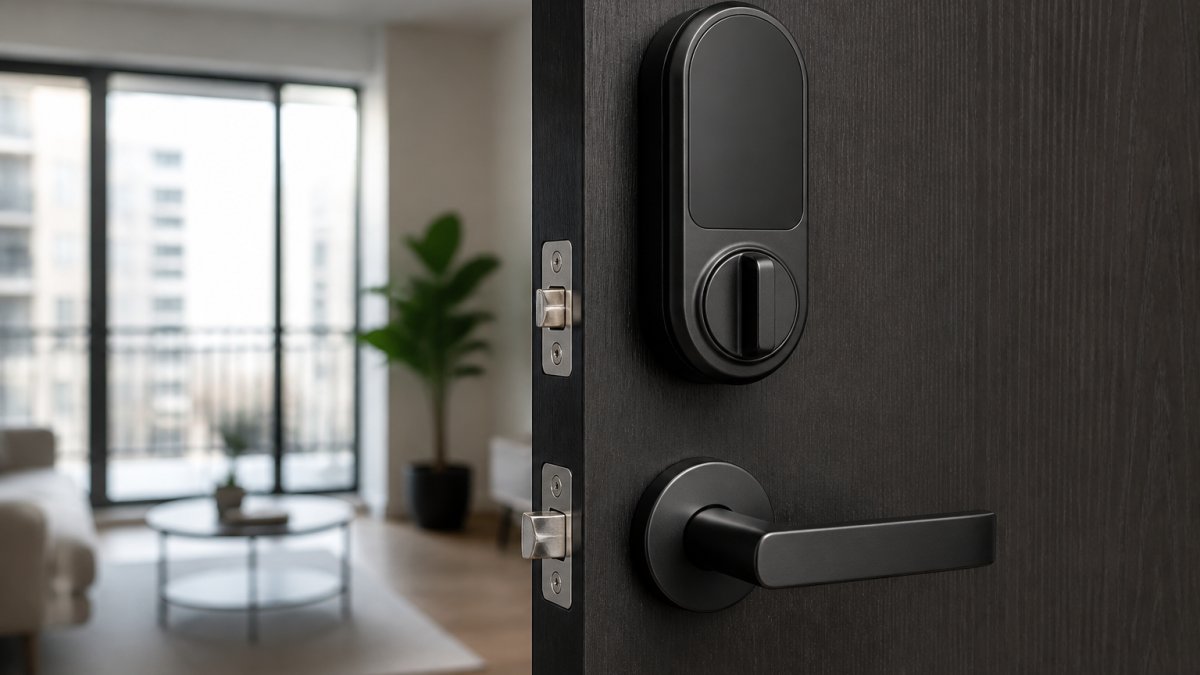
A keyless entry system is a door access mechanism that eliminates traditional physical keys, using access codes, mobile apps, key fobs, or biometric data instead. These systems replace mechanical locks with electronic locks controlled by software and hardware that verify your identity before granting access.
Homeowners and property managers adopt keyless entry systems because they solve real problems: lost or forgotten keys, and the hassle of sharing access with guests or service providers without making copies.
SOUTHMIAMILOCKSMTIH.COM provides comprehensive services for residential and commercial needs. The technology has matured from a niche luxury feature into a mainstream, affordable security solution.
How Keyless Entry Systems Work
Keyless entry systems operate on a simple principle: authenticate the user, then release the lock. The mechanism varies by type, but all keyless locks follow this workflow.
You provide credentials by entering a code, scanning your fingerprint, or unlocking via smartphone. The control panel verifies this input against stored authorized credentials and signals the electronic lock if authentication succeeds.
The lock contains a solenoid or motor that moves the bolt. Once your identity is confirmed, it energizes for a few seconds, retracting the bolt so you can push the door open. After a preset time, the lock re-engages automatically.
Most keyless systems encrypt communication between the input device and control panel, preventing signal interception. Battery-powered systems include backup power for outages or low-battery conditions.
Types of Keyless Access: Keypad, Smartphone, Fob, and Biometric
Different keyless entry systems suit different situations, depending on your security needs, convenience preferences, and installation constraints.
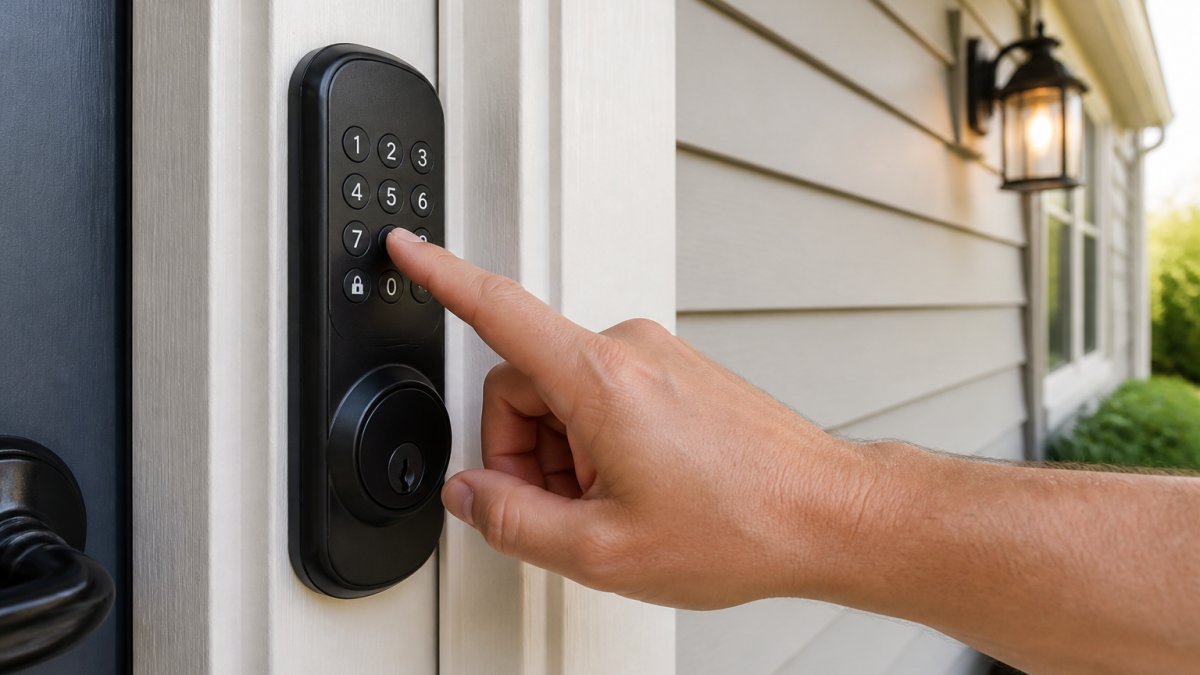
Keypad Door Lock Pros and Cons
A keypad door lock requires a numeric or alphanumeric code to unlock the door, the most straightforward keyless entry system type.
Pros:
- Simple to operate, anyone can use a numeric keypad
- No battery required for the input device itself
- Easy to change access codes without replacing hardware
- Low installation cost compared to other keyless systems
- Works reliably in harsh weather conditions
- No dependency on smartphone technology or internet connectivity
Cons:
- Codes can be forgotten or written down insecurely
- Shoulder surfing allows someone to watch you enter your code
- No audit trail showing who accessed the door and when
- Changing codes requires manual reprogramming
- Limited to a single code per user unless the system supports multiple codes
- Slower access compared to other methods, requires deliberate input
Smartphone and Mobile App Access
Smartphone-based keyless entry systems use your mobile device as the credential, communicating with the lock via Bluetooth, Wi-Fi, or cloud servers.
Pros:
- Convenient, your phone is always with you
- Remote access, unlock doors from anywhere with internet connection
- Detailed activity logs show exactly who accessed the door and when
- Temporary access codes can be created and revoked instantly
- Easy to grant access to guests or service providers without physical keys
- Integration with smart home systems and security monitoring
Cons:
- Requires smartphone battery to remain charged
- Internet outages can disable remote access features
- Bluetooth range limitations may prevent unlocking from a distance
- Setup complexity for non-technical users
- Privacy concerns about location tracking and data collection
- Dependency on the mobile app provider's security practices
Key Fob Systems
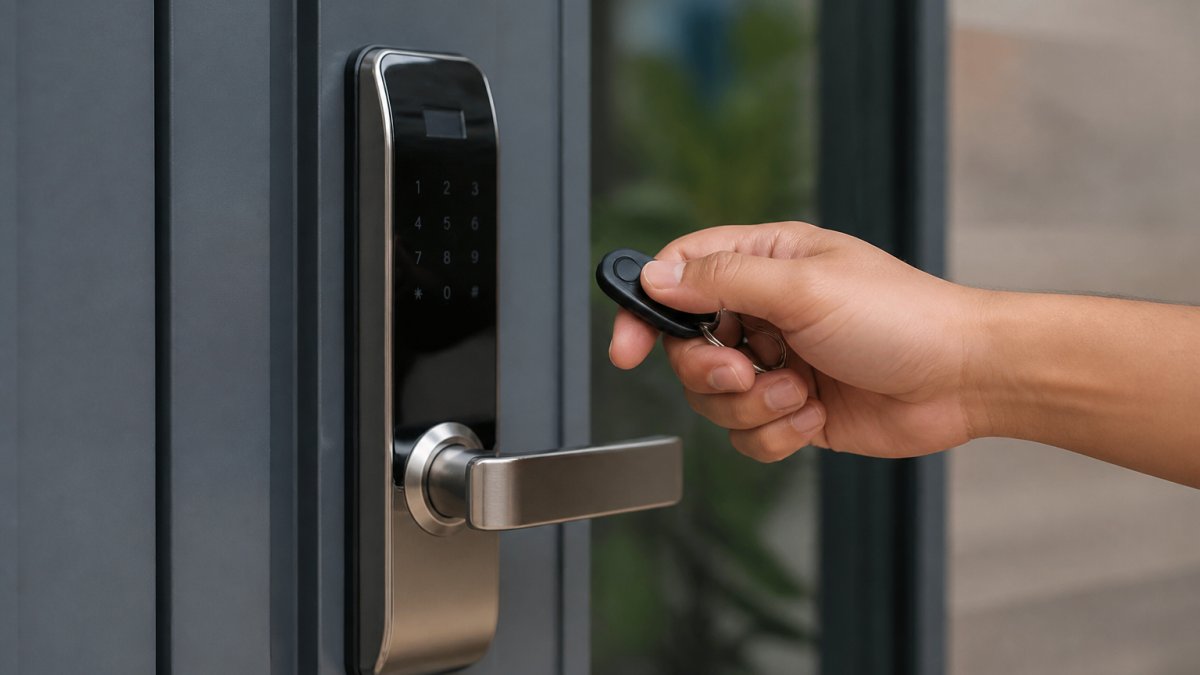
Key fobs are small wireless devices that transmit signals to unlock doors, similar to car key fobs, and are common in multi-unit residential and commercial properties.
Pros:
- Familiar technology, most people understand how fobs work
- Wireless range allows unlocking from several feet away
- Compact and portable
- Durable and weather-resistant
- No internet connection required
- Fast access, press a button and the door unlocks
Cons:
- Fobs can be lost or stolen like physical keys
- Battery replacement required periodically
- Range limitations in some building materials
- Duplicate fobs can be created by those with the right equipment
- No audit trail unless the system includes logging capability
- Interference from other wireless devices may cause reliability issues
Biometric Readers
Biometric keyless entry systems verify identity using unique physical characteristics: fingerprints, facial recognition, or iris scanning.
Pros:
- Highly secure, biometric data is difficult to forge or steal
- Cannot be lost, forgotten, or shared like keys or codes
- Fast access for authorized users
- Detailed audit trails with timestamp and identity confirmation
- No codes to remember or devices to carry
- Eliminates unauthorized access through lost or copied credentials
Cons:
- High installation and equipment cost
- Requires accurate calibration and maintenance
- Environmental factors (dirt, moisture, lighting) affect accuracy
- Privacy concerns about biometric data collection and storage
- Slower access compared to other methods
- Potential issues for users with fingerprint variations or skin conditions
Smart Lock vs Traditional Lock: Security and Reliability
Smart locks and traditional locks differ fundamentally in how they protect your property. Security isn't just about preventing unauthorized entry, it's also about reliability when systems fail.
Traditional locks operate mechanically: a correctly cut key moves pins inside the cylinder, retracting the bolt. This simplicity means they work regardless of power status, weather, or technology failures.
Smart locks add electronic control and remote access, activity logging, temporary codes, remote unlocking, but introduce new failure points: battery depletion, software bugs, wireless interference, and internet outages.
The real question is which is more secure for your situation. A smart lock with strong encryption and regular firmware updates resists tampering and unauthorized access; a traditional lock offers security through simplicity but no control over who copies your keys.
Most experts recommend a hybrid approach: smart locks for primary access points where remote management and audit trails add value, plus traditional deadbolts as backup. This combines both technologies' benefits while guarding against either one's failure modes.
Electronic Door Lock Security: What You Need to Know
Electronic door lock security depends on several factors working together. Understanding them helps you evaluate whether a specific keyless entry system will protect your property.
Encryption and Communication Security: The connection between your authentication device and the lock must be encrypted. Without it, someone with basic wireless equipment could intercept signals and unlock your door.
Authentication Method Strength: A four-digit PIN offers far less security than biometrics or a smartphone system with multi-factor verification. Match the security level to your actual risk.
Audit Trail and Monitoring: Seeing who accessed your door and when provides security and accountability.
Backup Access Methods: Quality electronic locks include mechanical backup access. If the battery dies or the system fails, you can still unlock the door using a physical key or emergency access method.
Regular Firmware Updates: Electronic locks need software updates to patch vulnerabilities. Choose manufacturers who actively maintain and update their products.
The strongest electronic door lock security comes from redundancy: battery backup, mechanical override, encrypted communication, and regular updates. Weaker systems cut corners on one or more of these.
Keyless Lock Battery Backup and Power Outage Protection
Battery management is one of the most overlooked aspects of keyless entry system reliability. Understanding how your system handles power loss prevents lockouts when you need access most.
Most electronic locks use rechargeable or replaceable batteries to power the solenoid mechanism. These batteries typically last 6 to 12 months depending on usage frequency.
What happens when the battery dies completely? Quality keyless entry systems include mechanical backup access. This usually means a hidden keyhole where you can insert a traditional key to unlock the door manually.
Power outages create a different scenario. If your keyless entry system relies on Wi-Fi or internet connectivity for remote access, an outage will disable that feature. However, local authentication methods like keypads and key fobs continue working because they communicate directly with the lock without requiring internet.
For maximum reliability during power outages, choose systems with multiple authentication methods. A keypad code combined with a mechanical backup key gives you two independent ways to access your door if one system fails. This redundancy is especially important for primary entrances where access failure creates real hardship.
Advantages of Keyless Entry Systems
Keyless entry systems solve specific problems that traditional locks cannot address. Understanding these advantages helps you determine whether the technology matches your actual needs.
Convenience and Ease of Access: You never search for keys again. No fumbling with keychains in the dark, no lost keys creating lockouts, no forgotten keys inside the house.
Flexible Access Control: Share temporary access with guests, service providers, or family members without making physical key copies. Grant access for specific dates and times, then revoke it automatically.
Activity Monitoring and Audit Trails: Know exactly who accessed your property and when. This visibility is invaluable for rental properties, commercial spaces, or any situation where multiple people need access.
Remote Access Management: Unlock doors from your office, vacation home, or anywhere with internet connectivity. Grant emergency access to family members without being present.
Reduced Rekeying Costs: When tenants move or employees leave, you don't need to rekey the entire lock. Simply delete their access code or revoke their smartphone permissions.
Integration with Security Systems: Keyless entry systems connect with surveillance cameras, alarms, and smart home platforms. Access events trigger notifications, recording, or automated responses.
Disadvantages of Keyless Entry Systems
Keyless entry systems introduce new challenges that traditional locks don't create. Evaluating these disadvantages honestly helps you make decisions aligned with your actual situation.
Technology Dependency and Failure Risk: Electronic systems fail in ways mechanical locks never do. Batteries die. Software bugs cause malfunctions. Wireless interference disrupts communication.
Higher Installation and Maintenance Costs: Quality keyless entry systems cost significantly more than traditional locks. Installation requires electrical work or specialized setup.
Security Vulnerabilities: Electronic systems can be hacked if not properly secured. Weak encryption allows signal interception. Poorly designed systems allow code guessing or brute-force attacks.
Cybersecurity and Privacy Concerns: Smartphone-based systems collect data about when you access your property and from where.
User Complexity and Learning Curve: Not everyone finds keyless systems intuitive. Elderly users may struggle with smartphone apps.
Dependency on Manufacturer Support: If the company that made your keyless entry system goes out of business or stops supporting your model, you're stuck. Firmware updates stop arriving.
Choosing between keyless entry and traditional locks isn't about picking the objectively "better" option. It's about matching the technology to your actual situation.
Frequently Asked Questions
What does a keyless entry system mean?
A keyless entry system replaces traditional physical keys with electronic access methods. Users enter a PIN code on a keypad, unlock via smartphone app, scan a key fob, or use biometric identification like a fingerprint. These systems manage who enters a property and when, providing an audit trail of all access events. They're common in residential homes, condos, commercial buildings, and vehicles.
Are keyless locks more secure than traditional locks?
Keyless locks offer different security advantages than traditional locks. They eliminate lost or duplicated key problems and provide access logs showing exactly who entered and when. However, they can be vulnerable to hacking if not properly encrypted or if passwords are weak. Traditional locks can't be remotely hacked but are susceptible to picking or forced entry. The best approach combines both: a quality keyless system with strong encryption, regular password updates, and a backup mechanical key for emergencies.
What happens to a keyless lock when the power goes out?
Most keyless locks include battery backup systems that keep the lock operational during power outages. Typically, these batteries last 6-12 months on a single charge and trigger low-battery warnings before failure. If the battery fully depletes, you can still access the property using a backup mechanical key or by replacing the battery. Some advanced systems include emergency power supplies or capacitors. Always verify your specific system's backup power specifications and test it regularly to ensure reliability during emergencies.
Can a keyless door lock be hacked?
Keyless locks can theoretically be hacked if they use weak encryption, outdated software, or default passwords. However, modern systems from reputable manufacturers use military-grade encryption that makes unauthorized access extremely difficult. Risks increase if you don't update firmware, reuse passwords, or use simple codes like 1-2-3-4. To minimize hacking risk, choose systems with strong encryption, change access codes regularly, use unique passwords, and keep software updated. Professional installation ensures proper configuration and security settings.